

Many new traders have no idea how to register or connect a wallet on Axiom Trade. Luckily, it’s a pretty simple process. All you need to do is download Phantom Wallet, create a wallet, register on Axiom Trade, and you’re ready to go. Let’s go step by step.
Download Phantom Wallet
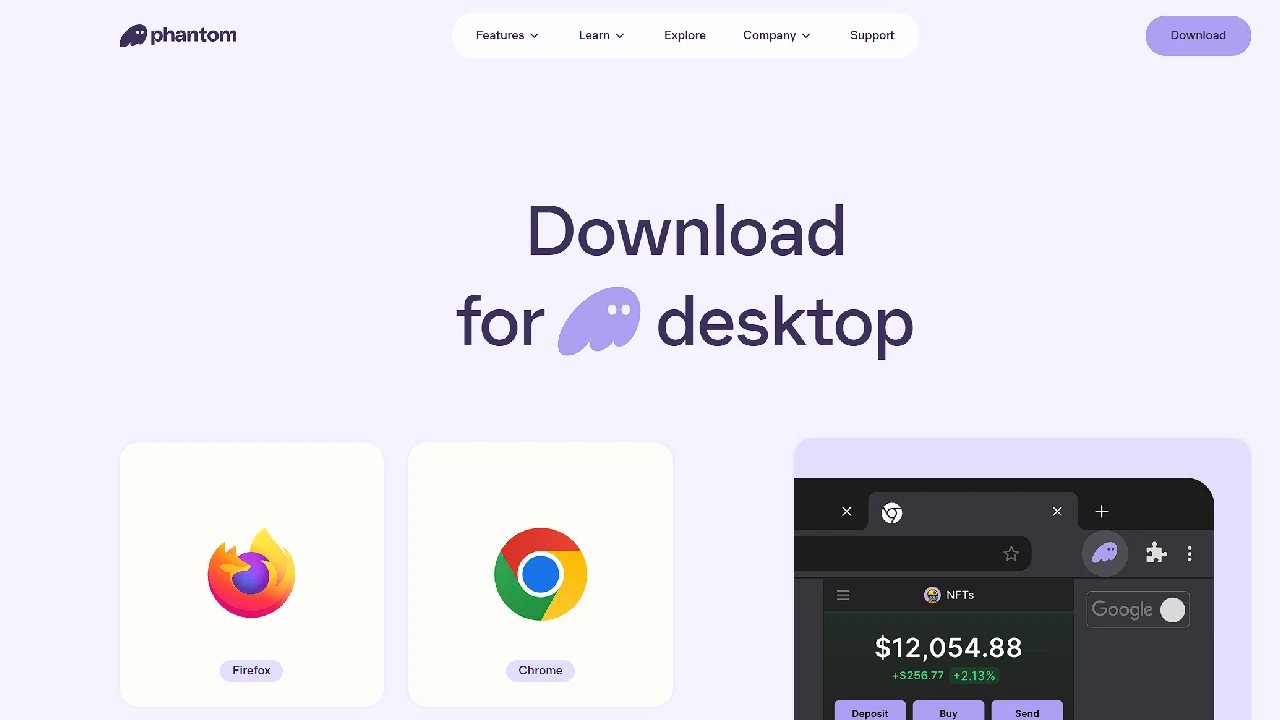
The first thing you need is the Phantom Wallet. To download it, simply Google “Phantom Wallet” or click the official link that takes you directly to the Phantom website.
Once downloaded, create your account and set up a password. That’s it — your wallet is ready! Make sure to write down your recovery phrase and store it somewhere safe.
You can now either send funds to your new wallet or buy directly using Phantom — whichever you prefer.
Register on Axiom Trade
Now that your Phantom Wallet is ready, it’s time to register on Axiom Trade.
There are two ways to log in to Axiom Trade:
- With email
- With Phantom Wallet
I personally don’t recommend using email login, as emails can be hacked easily. It’s much safer and faster to connect directly with your Phantom Wallet.
When you click “Connect with Phantom Wallet”, Axiom Trade will automatically create an account linked to your wallet. Just enter your password and any required info — that’s all you need to do.
Use the Connect Wallet feature to link Phantom securely.
Never share your private key or recovery phrase.